What To Send With Your Artwork
File quality matters because it affects digitising, print sharpness and turnaround. The best files are clean vector artwork or high resolution images with clear edges and solid text. Low quality images sent from a phone screenshot can slow things down, especially if the logo has small wording or thin lines. If you only have a rough file, send it anyway and add a note explaining what must stay exact.
For embroidery, we use your artwork to prepare a stitch file, so tiny detail may need adjustment. For printing, we check whether the colours, fonts and layout will hold up on the chosen item. If you are unsure whether a file is suitable, send it with the order and we will advise what can be used as is and what needs correction. A neat file saves time and reduces back and forth.
- Vector files are best for scaling
- Clear high resolution artwork works well for print setup
- Simple logos usually embroider cleaner than very detailed ones
- Small text may need to be enlarged for legibility
How We Handle Digitising And Artwork Checks
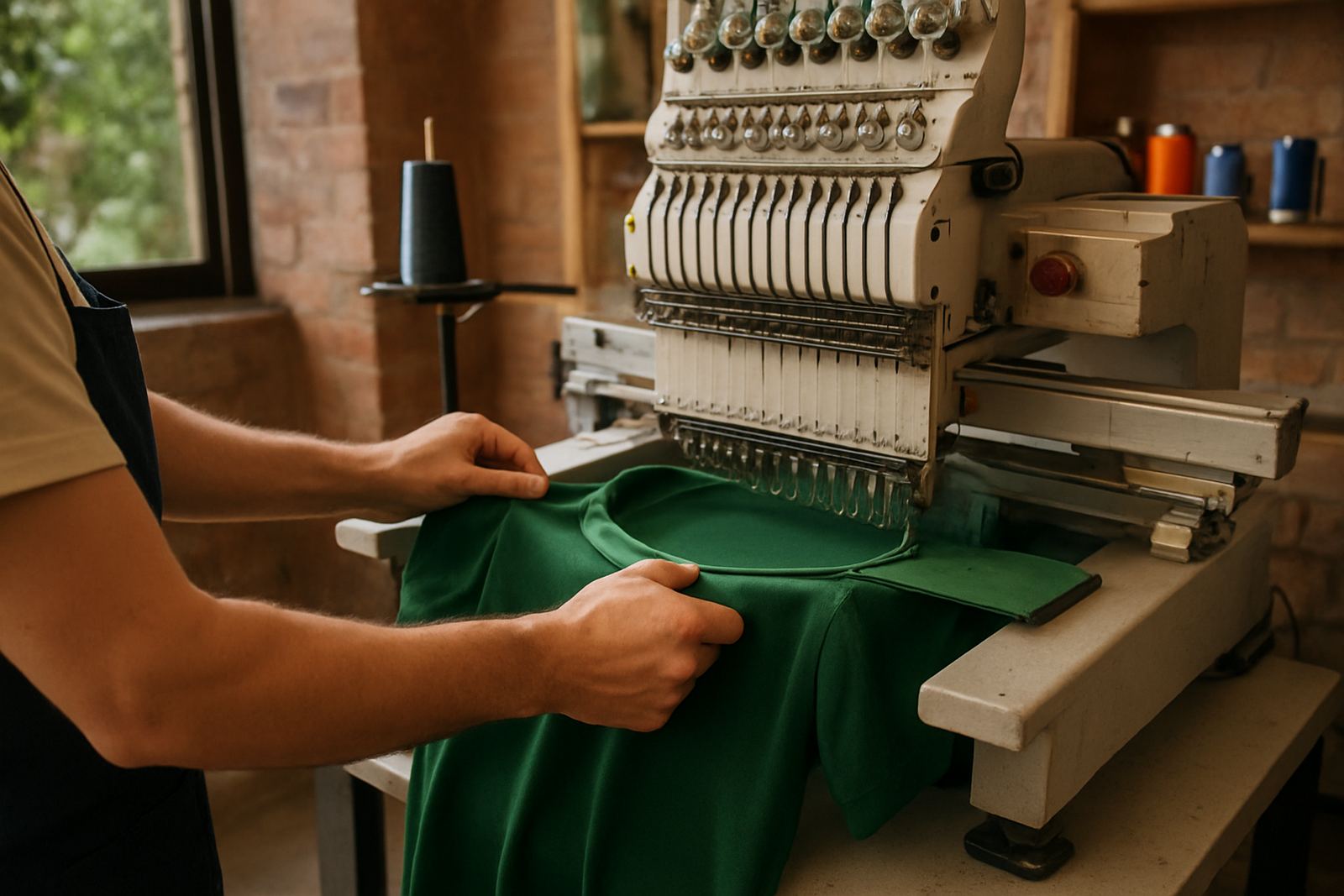
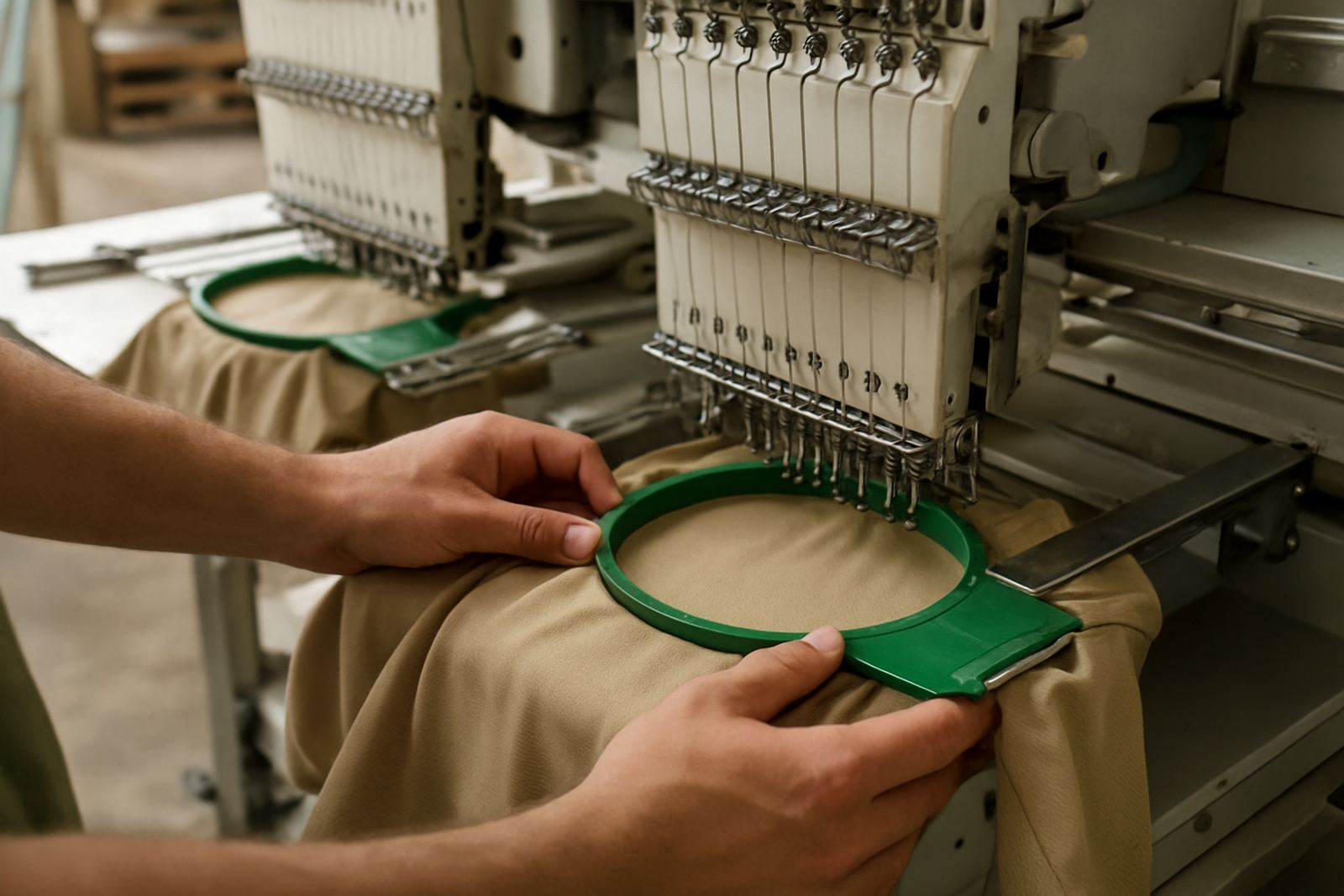
Our in-house digitising means your embroidery artwork is prepared by the same team that handles production. That keeps the process tight and helps us catch issues early, such as borders that are too thin, text that is too small or colours that will not separate well. We also run artwork checks before print setup, so if there is a spelling concern or a layout problem, we raise it before anything goes onto garments.
If the job is for uniforms, corporate wear or club apparel, tell us which items must match exactly. It helps us keep the thread colours, print colours and placement consistent across the order. For repeat orders, send the previous branding details if you have them, because even a small change in artwork can affect the result. We want the first sample and the final batch to look alike, not nearly alike.
- Digitising is done in-house for quicker control
- Artwork checks help catch spelling and spacing issues
- Colour matching is easier when instructions are clear
- Repeat orders should include the old artwork if available
Approvals, Samples And Rush Jobs
Before production starts, we may send a proof or ask for approval on artwork placement, sizing or colour direction. Please check every detail carefully, especially names, initials, school wording and sponsor logos. Once you approve the layout, we move into production based on that version. If you want a sample run first, say so when submitting the artwork so we can plan the timing and materials.
We do offer an optional 24 hour turnaround on certain jobs, but it depends on stock, artwork readiness and the type of branding. Clean files and quick approval are essential for rush orders. If your job is for a launch, match day or staff event, tell us the date early so we can advise whether it can be packed and delivered in time. Load-shedding can affect production schedules, so the more prepared the artwork is, the better the chance of keeping the order moving.
- Check all names and spellings before approval
- Ask for a sample run if the item or logo is new
- Rush jobs need complete artwork and fast feedback
- Optional 24 hour turnaround depends on setup and stock
Good Notes Make Better Branding
The clearer your notes, the better the result. Tell us if the garment is a golf shirt, cap, hoodie, work shirt or promotional item, and include any special instructions like left chest placement, sleeve print or name personalisation. If the order is for a corporate wear pack or a school event, list the sizes in order and note any items that must not be branded in the same way as the rest.
It also helps to mention fabric details, because some items take embroidery better than others and some surfaces need heat press or screen printing instead. A cotton blend, a moisture-wicking shirt or a structured cap all behave differently under production. We like practical instructions because they save time, cut waste and help the final job look right first time.
- State the item type and fabric if known
- Note exact placement for each logo
- Separate branding instructions for different sizes or roles
- Include any deadline linked to the event date